Have you ever missed an important call because your phone's speaker was too low to hear? Or maybe you’re trying to watch a video, attend an online meeting or listen to music, but the sound feels unusually quiet. It can be very frustrating when your phone speaker suddenly becomes weak, especially when you rely on your device every day for communication, work and entertainment. Low speaker sound is actually a common smartphone problem. Many people think their phone is permanently damaged, but in many cases, the issue can be fixed easily. Sometimes it’s caused by simple things like dust or incorrect settings, while other times it may be a hardware issue that requires professional repair.
In this blog, we will look at 7 common reasons your phone's speaker sound is low and how to fix it.
One of the most common reasons for low speaker sound is dust or dirt blocking the speaker grille. Smartphones are used everywhere in pockets, bags and outdoor environments, so dust particles can easily accumulate inside the tiny speaker holes.
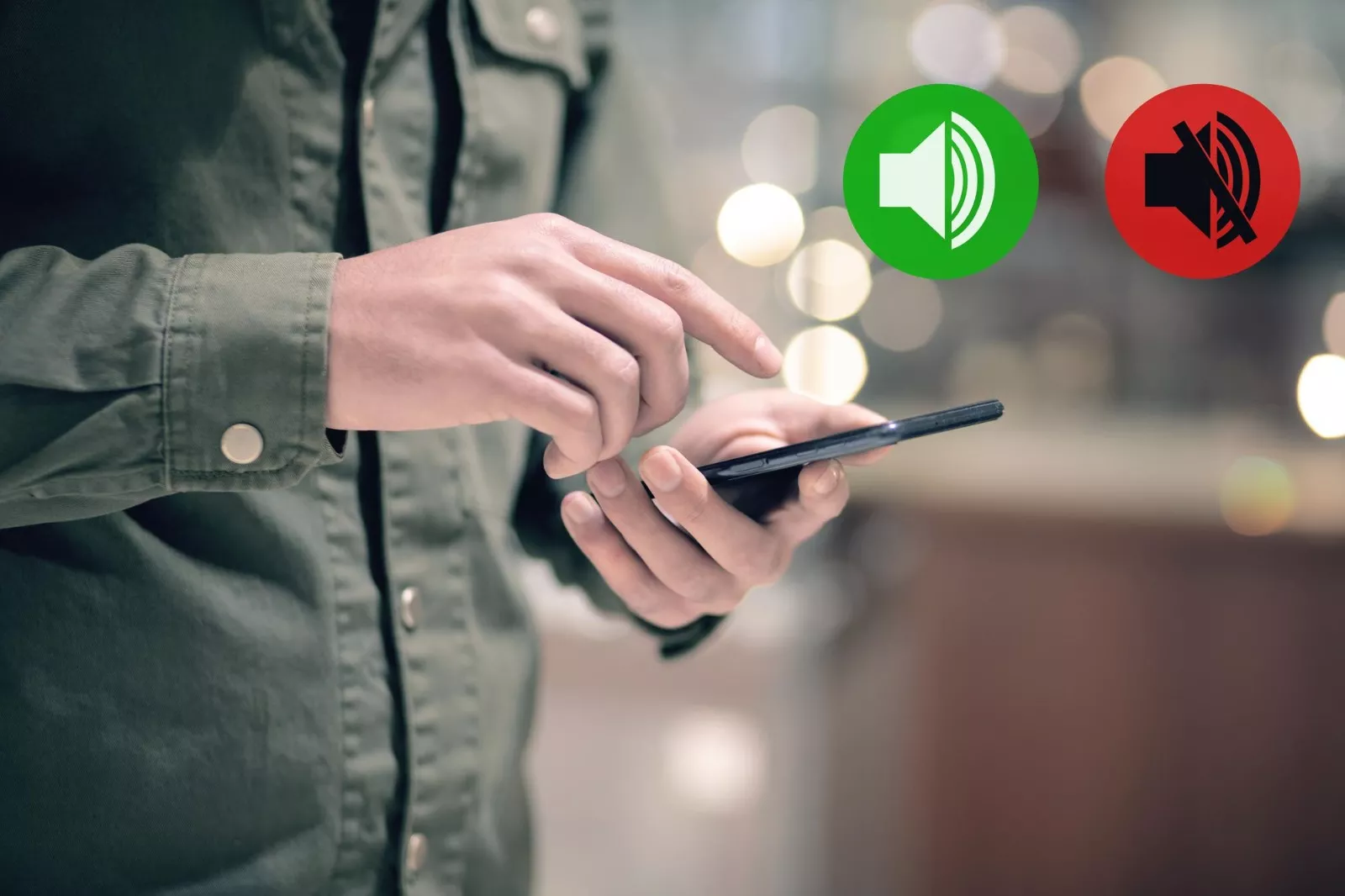
Sometimes the problem is very simple; the volume settings might be turned down. Many smartphones have separate volume controls for media, calls, alarms and notifications.
3. Bluetooth Connected to Another Device
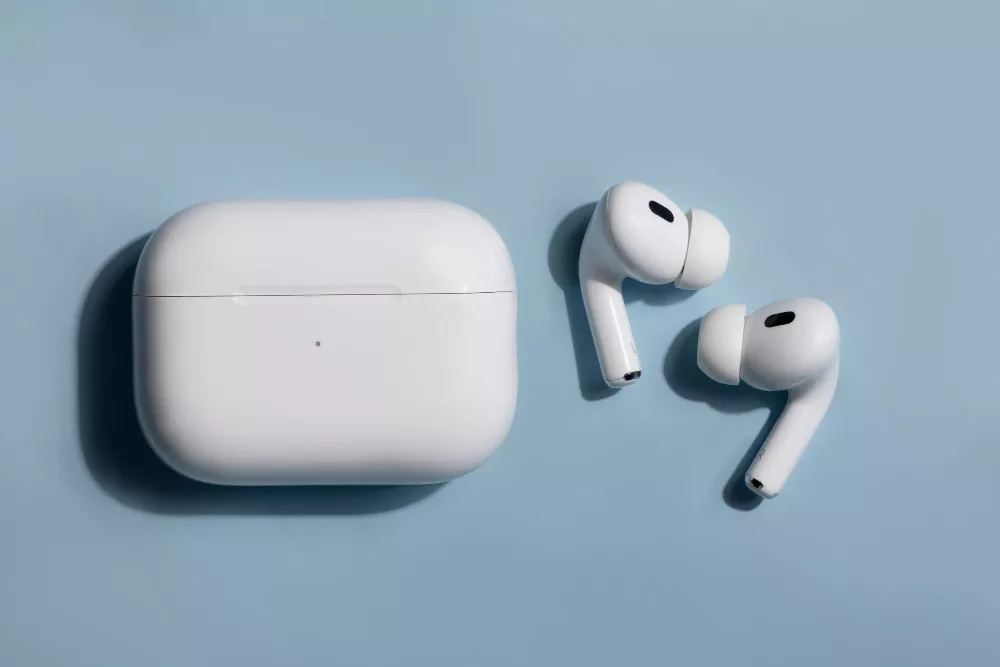
If your phone is connected to a Bluetooth device like wireless earbuds, a smartwatch, or a car audio system, the sound may be playing through that device instead of your phone speaker.
Water exposure can also cause low or distorted speaker sound. Even a small amount of moisture can affect the internal components of your smartphone.
Sometimes the issue is related to software glitches or system bugs. A faulty update or background app conflict can affect audio performance.
If none of the above solutions work, the speaker itself may be damaged or worn out. This can happen due to drops, water exposure or long-term use.
Some phone cases or poorly designed covers can accidentally block the speaker openings, reducing sound output.
If you have tried these basic fixes but the sound is still low, the issue might be inside the phone. Internal speaker damage, motherboard faults or circuit issues require expert diagnosis. This is where a professional mobile repair service becomes important. Skilled technicians can identify the exact problem and repair your device safely without causing further damage.
A low phone speaker sound can be annoying, but it doesn’t always mean your device is permanently damaged. In many cases, simple steps like cleaning the speaker, adjusting settings, or restarting the phone can solve the problem. However, if the issue is related to internal hardware damage or water exposure, it’s best to seek professional help.
If you are facing this issue, visit The Keypad, a trusted phone speaker repair in Guwahati. Our experienced technicians provide reliable smartphone repair services for all major brands. If you use Apple devices, we also offer expert support as an Apple service centre in Guwahati.
At The Keypad, we focus on professional repairs, quality parts and fast service to bring your phone back to perfect working condition. Don’t struggle with low speaker sound. Bring your device to The Keypad and let the experts fix it for you.